

New users — welcome bonus on first deposit
Available on all 54 Yono apps
Each Yono-network app has its own login, usually done inside the app with a phone number and OTP. There is no single “Yono games login” page. If you can’t sign in, check connectivity and the number, request a fresh OTP, and never enter credentials on a lookalike website.
About 4,400 people a month search “Yono games login”, and “Yono VIP login” adds a few thousand more. The first thing to know: there isn’t one central login. This guide covers the common problems and how to stay safe.
No single Yono login
The “Yono” name groups many separate apps (Rummy, Slots, Spin, Arcade, VIP). Each one runs its own account system. Signing in to one doesn’t sign you in to another, and no neutral website holds your account.
The usual login methods
Most apps use a phone number with a one-time password (OTP), and some use a password. The exact method is shown in the app itself.
Fixing common problems
| Problem | What to try |
|---|---|
| OTP not arriving | Check signal, wait a minute, request again once; avoid repeated requests |
| ”Invalid number” | Check country code and digits |
| Account not found | Confirm you installed the same app you registered on |
| App won’t open | Update, clear cache, reinstall the current version |
| Logged out suddenly | Check for an update and your internet connection |
| Blocked after tries | Wait before retrying |
Check you have the right app
Names are similar across the network. The Arcade and Games apps, for example, are different; our comparison explains. For the VIP category, see Yono VIP platforms. A “missing account” is often an account on a different app.
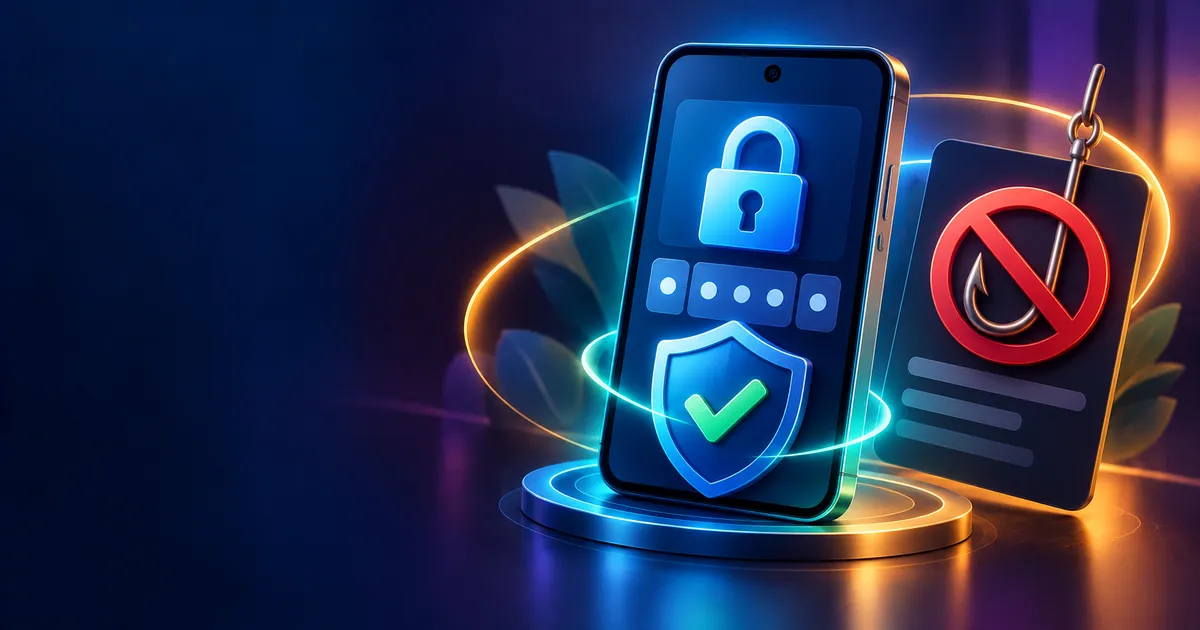
Phishing: the real danger
Searching for “login” pages attracts fake ones. Warning signs:
- A website (not the app) asking for your OTP
- A link sent by message asking you to “verify your account”
- Anyone asking for your OTP or PIN, even if they say they are support
- Spelling that is off, as in the variants covered in Yono vs Yuno vs Eno
An OTP is for you only. Never share it.
If you downloaded from an unknown source
A modified app could capture your login. Follow the steps in the install guide and use only the official file. If you suspect a fake, uninstall, change passwords on any account that used the same details, and contact your bank if you entered payment information.
Recovering access
If you’ve lost access to a number or a device, look for an account recovery or “contact support” option inside the app, not on a search result. Have the details the app asks for ready, such as the registered number and the approximate date you signed up. Be wary of anyone who contacts you first offering to “recover” an account for a fee. Real support does not ask you to pay to regain access, and it never asks for your OTP.
Account hygiene
- Use a number you control.
- Don’t reuse passwords across apps.
- Keep a record of the app’s official support contact, taken from the app itself.
- If you hold a balance, know how to withdraw before problems occur.
Simple checks before you contact support
Before you reach out, confirm the basics: your phone has a working signal or Wi-Fi, the date and time are set automatically, the app is updated to the current version, and you are using the same number you registered with. Many login failures come from a wrong number, a stale app or a clock that is out of sync. Taking a minute to check these often solves the problem without any outside help.
What a safe login screen looks like
A normal sign-in screen asks for a phone number or username and one code or password. It does not ask for your bank PIN, card number, UPI PIN or email password. If a screen asks for any of these, close the app. Genuine apps keep sign-in details separate from payment details.
Responsible play
18+ only. Decide limits before you sign in, and use the app’s own limit tools if available.
Final word
Login problems are usually small; login scams are the big risk. Stay inside the app and never share an OTP. More answers are in the directory FAQ.
Frequently Asked Questions
Is there one Yono login page?
No. Each app has its own.
Why is my OTP late?
Network delays are common; wait, then request once more.
Can support ask for my OTP?
No. Never share it.
Why can’t I find my account?
You may have registered on a different app.
Is a website login safe?
Be very cautious; use the app.
18+ only. This article is informational; nothing here is advice or a promise of any outcome. Affiliate disclosure: YonoLink may earn a commission if you download an app through links on this site.
Similar Yono Games
Top-rated apps across the Yono ecosystem



Ready to play Yono?
Grab your welcome bonus code before your first deposit — new users get a bonus on every Yono app.